Garden plan
Every bed, now, this autumn and next spring
The plan of your whole plot, bed by bed. It shows what is in the ground now, which beds come free this autumn and what’s left for next spring, and it stays true because it asks when things come out.
Free. Not a free trial. No card required.
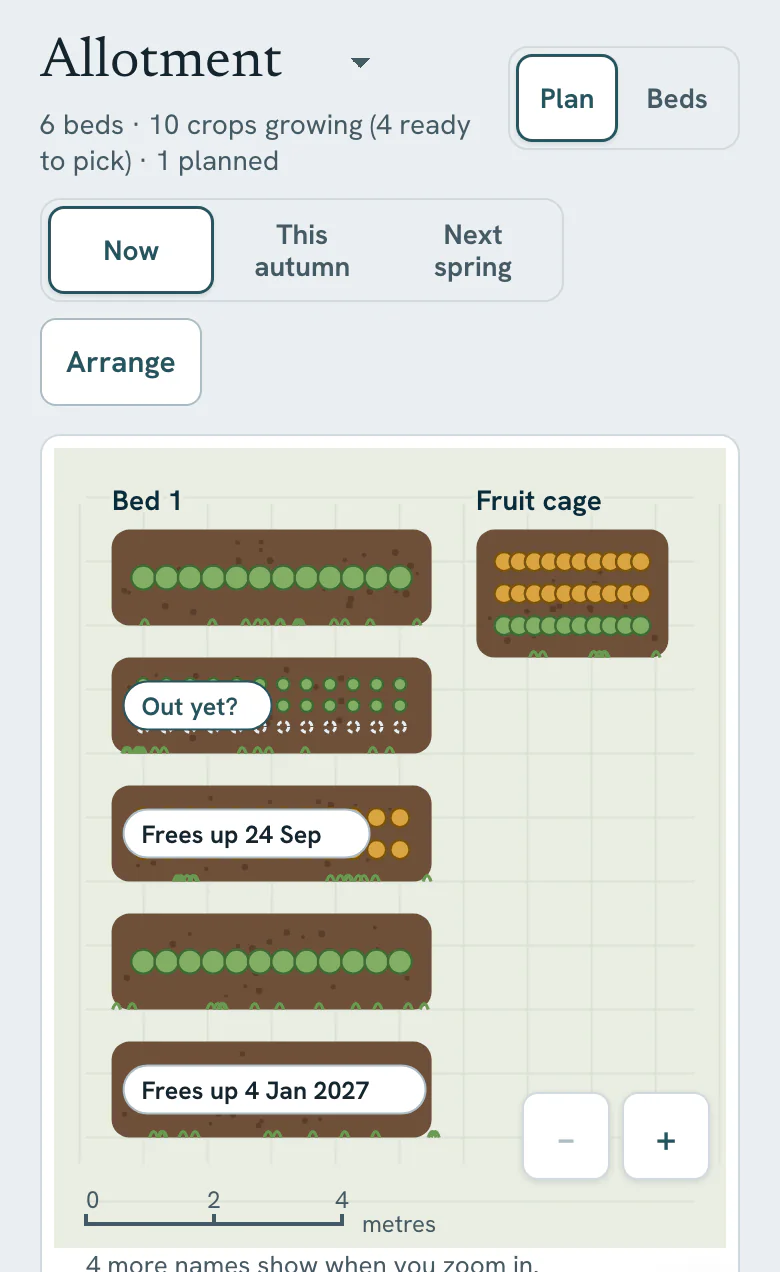
On a bigger screen, the whole plot at once
In a desktop browser you can see every bed together, find a crop, and use Arrange to drag beds to where they really are, with Undo and Done.
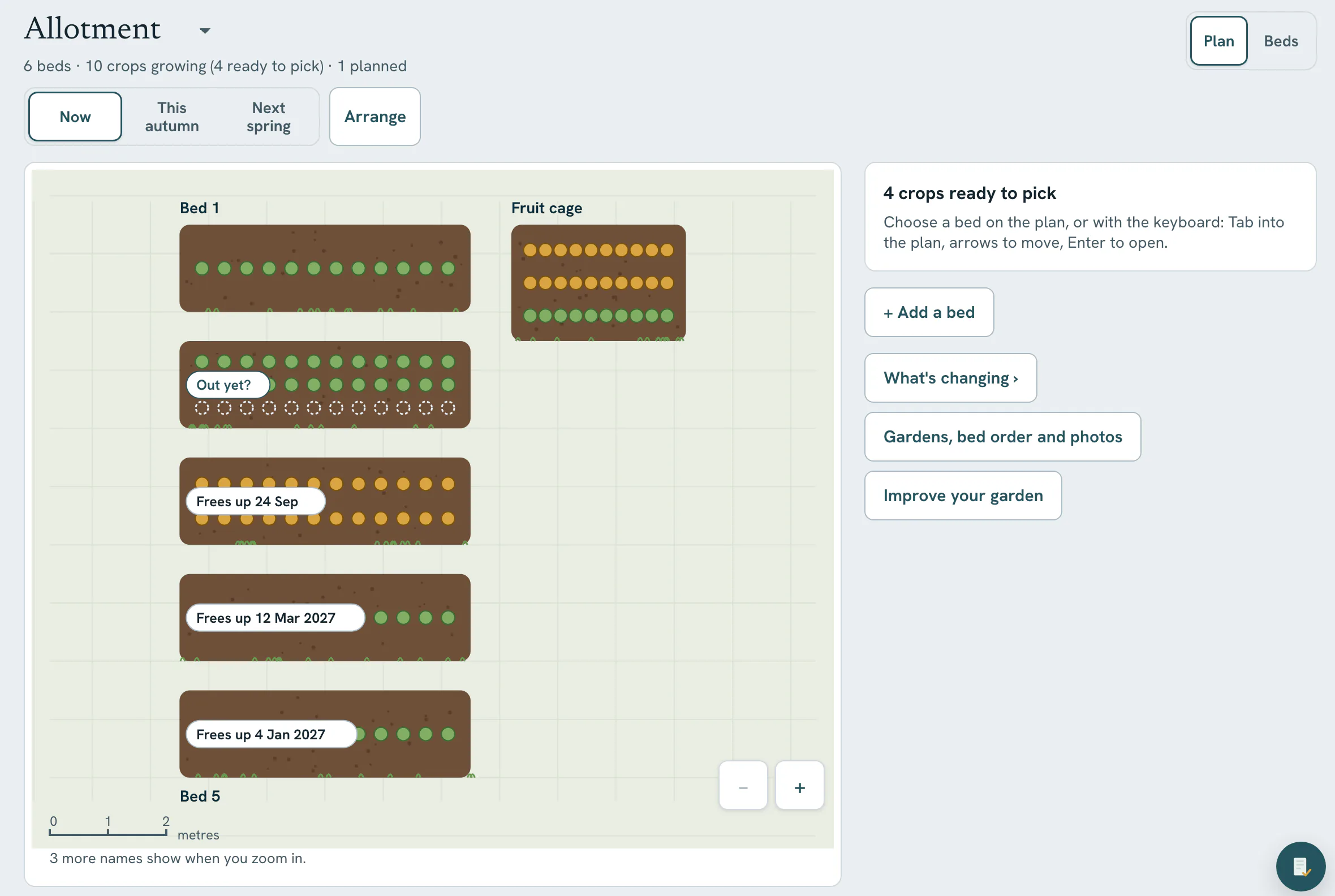
Roughly is fine
Draw it to scale, if you want to
You don’t need a tape measure to start. Beds without a size wait in a tray at the side of the plan. Add a size, roughly is fine, and that bed is drawn to scale with the others.
A bed you’re not using can rest until spring, so it stops asking for jobs.
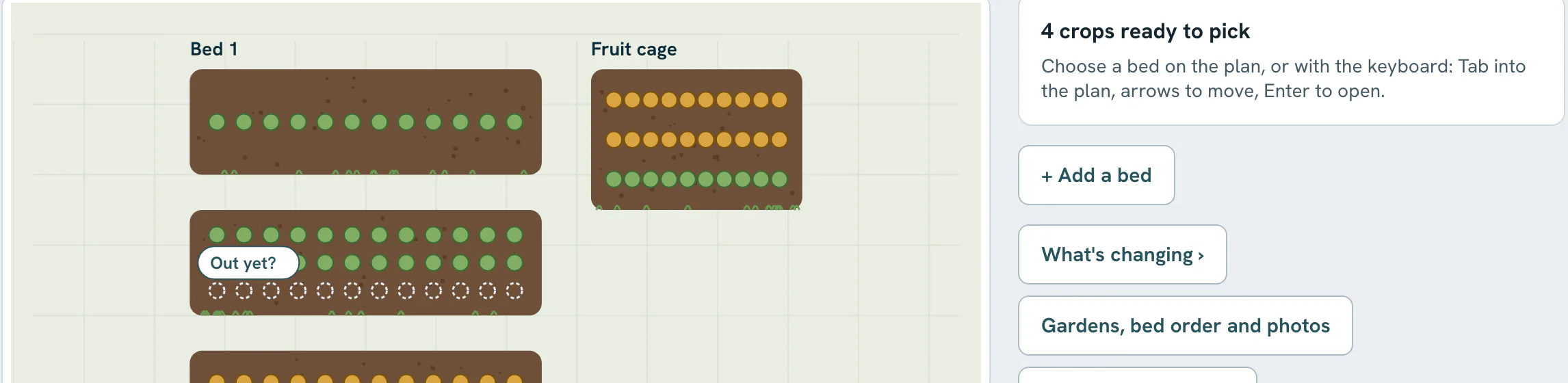
Out yet?
When a crop is finishing, the plan asks
As a crop reaches the end of its time, the plan asks “Out yet?”. Answer it and the bed shows as free, so the plan matches the ground. When a bed is still full, it gives an estimate: “Frees up around 30 Apr 2027. That is an estimate from when things were sown.”
For an empty bed, “What could go here” lists crops that still have time to grow in it.
“helps me keep track of what is where on my allotment and in greenhouse”
Straight answers
What it doesn’t do
- The Garden plan is included on Free for every garden you have. Free covers up to 3 gardens or allotments; Pro has no limit.
- It draws to scale only the beds you have given a size. The rest wait in the tray until you add one.
- It won’t plan next year’s rotation for you. It keeps what grew where, and “What could go here” suggests crops with time left, but it doesn’t give rotation warnings.
- Arranging beds by dragging works best in a desktop browser.
Start with what’s growing now
Add a bed and a few crops. Tomorrow morning, Today will have looked at them.
Free. Not a free trial. No card required.