Plant Check
Something look wrong? Show it a photo
Plant Check looks at a photo of a struggling plant, alongside what Vercro already knows about it, and tells you what might be going on and what to do next.
Free. Not a free trial. No card required.
Three steps, from the plant’s own page
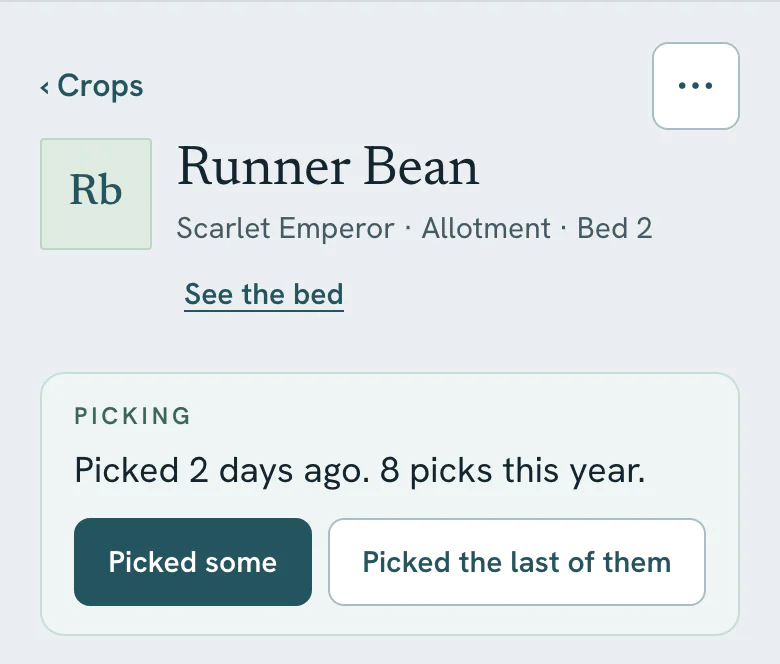
Open the plant
Plant Check starts from the plant’s own page, so Vercro already knows what it is, where it’s growing and when it went in.
Take a photo
Photograph the leaves, fruit or stem that worry you. One photo is one check.
Read the assessment
You get what it can see, what it thinks is most likely, and what to do next. It can suggest looking again in a few days.
How many
5 a month on Free, 30 on Pro
Every gardener gets 5 Plant Checks each calendar month on Free, and 30 on Pro. Unused checks don’t roll over, and the count starts again on the 1st of the month.
A check only counts when an assessment comes back. If something goes wrong on our side, it isn’t used up.
Straight answers
What it can’t promise
- The assessment is written by AI. It is not an expert diagnosis and it can be wrong, especially from a blurry or distant photo.
- It can only judge what is in the photo. Problems at the roots or in the soil may not show.
- For anything that could affect what you eat, or before using a treatment, check with a trusted source.
Start with what’s growing now
Add a bed and a few crops. Tomorrow morning, Today will have looked at them.
Free. Not a free trial. No card required.