Allotment layout planner
Allotment layout planner: see your plot as a plan
Every bed on your plot, drawn where it really is, with what is growing in it. See what’s free now, this autumn and next spring. No drawing tools to learn, and it’s free.
Free. Not a free trial. No card required.
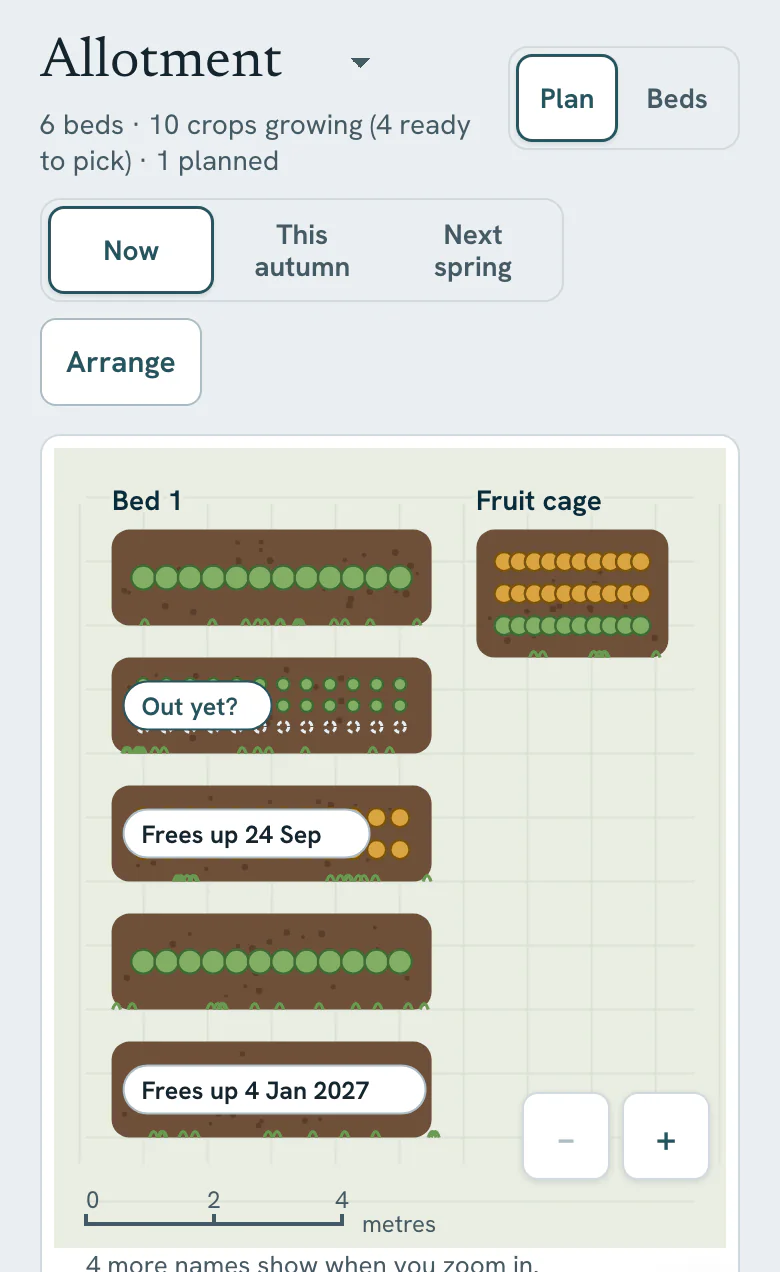
A real layout, not a drawing exercise
Most layout tools are a blank canvas: useful for sketching an idea, then disconnected from everything else. You draw your beds once and go back to a notebook to track what’s in them.
Vercro’s plan is built from your real garden. Add a crop to a bed and it shows there. When a crop is finishing, the plan asks “Out yet?”, so the layout keeps matching the ground, and it’s the same plot your morning jobs are worked out for.
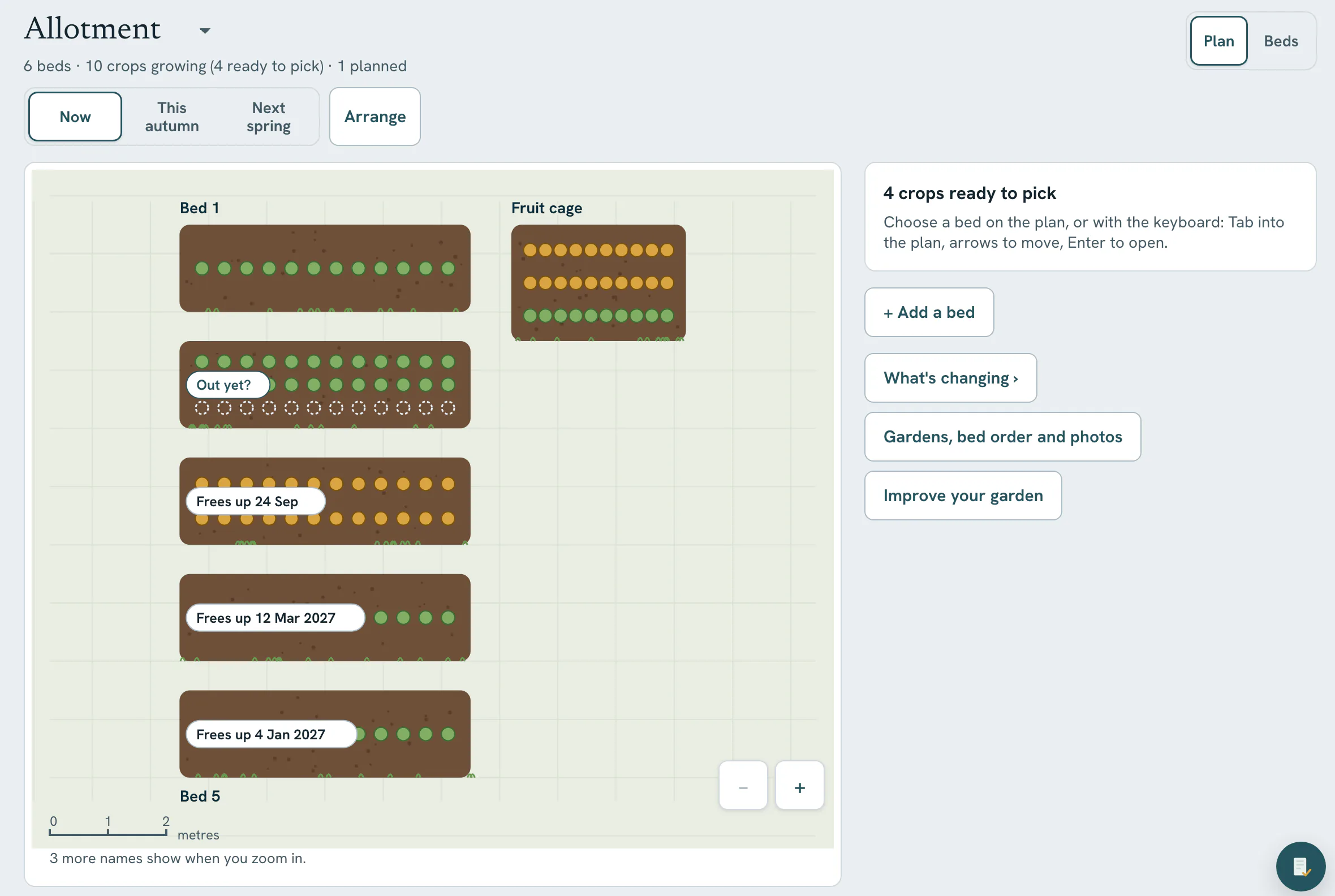
What you can do, free
Size it, arrange it, look ahead
Draw beds to scale
Give a bed a size, roughly is fine, and it is drawn in proportion against a metres scale.
Arrange
Drag beds to where they really sit on the plot, with Undo and Done. Easiest in a desktop browser.
Three views
Now, this autumn and next spring, so you can see which beds come free and when.
Rest a bed
Let a bed rest until spring so it stops asking for jobs.
What could go here
For an empty bed, crops that still have time to grow in it.
Straight answers
What it doesn’t do
- Only beds with a size are drawn to scale; the rest wait in the tray.
- It doesn’t plan or check rotations.
- Pot counts for containers can’t be recorded yet.
Frequently asked questions
Is the allotment layout planner free?
Yes. The Garden plan is included on Free on every garden you have, with sizing, arranging and all three views: now, this autumn and next spring. Free covers up to 3 gardens or allotments. No card required.
Is the layout actually to scale?
For every bed you give a size, yes: it is drawn in proportion to the others against a metres scale. Beds without a size wait in a tray at the side until you add one. Roughly is fine.
Can I plan next year’s crop rotation with it?
The plan shows next spring, and Vercro keeps what grew in each bed, so you can see what was where. It does not plan the rotation for you or warn about rotation. For an empty bed, “What could go here” lists crops that still have time to grow.
Do I need to learn a drawing tool?
No. You add beds and crops the same way you do anywhere else in Vercro, and the plan follows. To move beds to where they really are, use Arrange, which works best in a desktop browser.
Related guides

Put your plot on the plan
Add your beds and a few crops, give the beds rough sizes when you have a minute, and the plan draws itself.
Free. Not a free trial. No card required.
Works in your phone’s browser, no download needed. Already have an account? Log in.
One tap · No password · Straight into your garden
Also on iPhone and Android. The newest version of Vercro reaches the web app first.
Vercro Ltd · Companies House 17113010 · ICO ZC113623